Key takeaways
- One focused planning hour a month keeps you posting consistently, even in busy weeks.
- Look ahead at your own, local and national dates first, then give each week a theme.
- Fill every slot with one idea and one clear message, then gather all photos in one go.
- Use a simple caption structure and schedule posts in advance (Meta Business Suite is free).
- Leave one or two flexible slots a week, and review results before planning the next month.
Most local businesses don’t stop posting because they run out of ideas. They stop because every post is decided on the day — and on a busy day, social media is the first thing to slip.
The fix is a short planning session once a month. One focused hour gives you a full month of posts that are timely, varied and ready to go. Here’s the routine we recommend.
Before you start
Grab a coffee, block an hour in your diary and have three things to hand:
- Your calendar for next month — bookings, events, deliveries, holidays
- Your photos from the last few weeks (and your phone, to take more)
- A simple planner — a spreadsheet, a notebook, or a content calendar tool
Decide how often you’ll post. For most local businesses, three to five feed posts a week is a realistic target (we explain why in our guide to how often a local business should post). For this example, we’ll plan four posts a week — sixteen for the month.
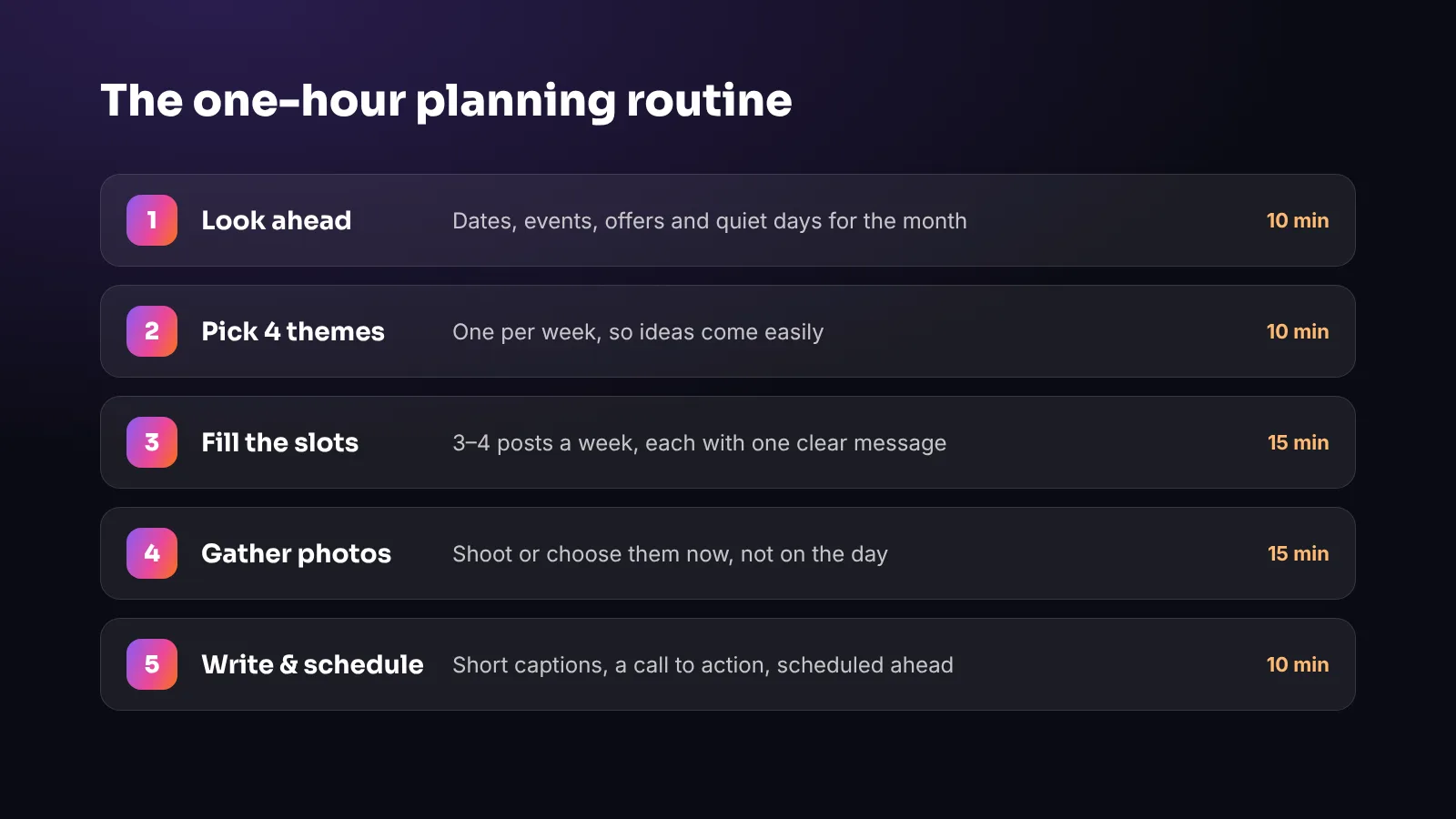
Step 1: Look ahead (10 minutes)
Start with the dates that matter next month and mark them in your planner:
- Your own dates — new menu, seasonal products, events, closures, anniversaries
- Local dates — markets, festivals, fiestas, school holidays, sports fixtures
- National days that genuinely fit your business — Mother’s Day for a florist, Pancake Day for a café
- Quiet days you’d like to fill — a slow Tuesday is a perfect day for an offer
These become the anchor points for your month. Everything else fits around them.
Step 2: Pick four themes (10 minutes)
Give each week a simple theme. It makes ideas come much more easily, because you’re no longer facing a blank page — just “what can we show about *this* this week?”
For a café, a month might look like this:
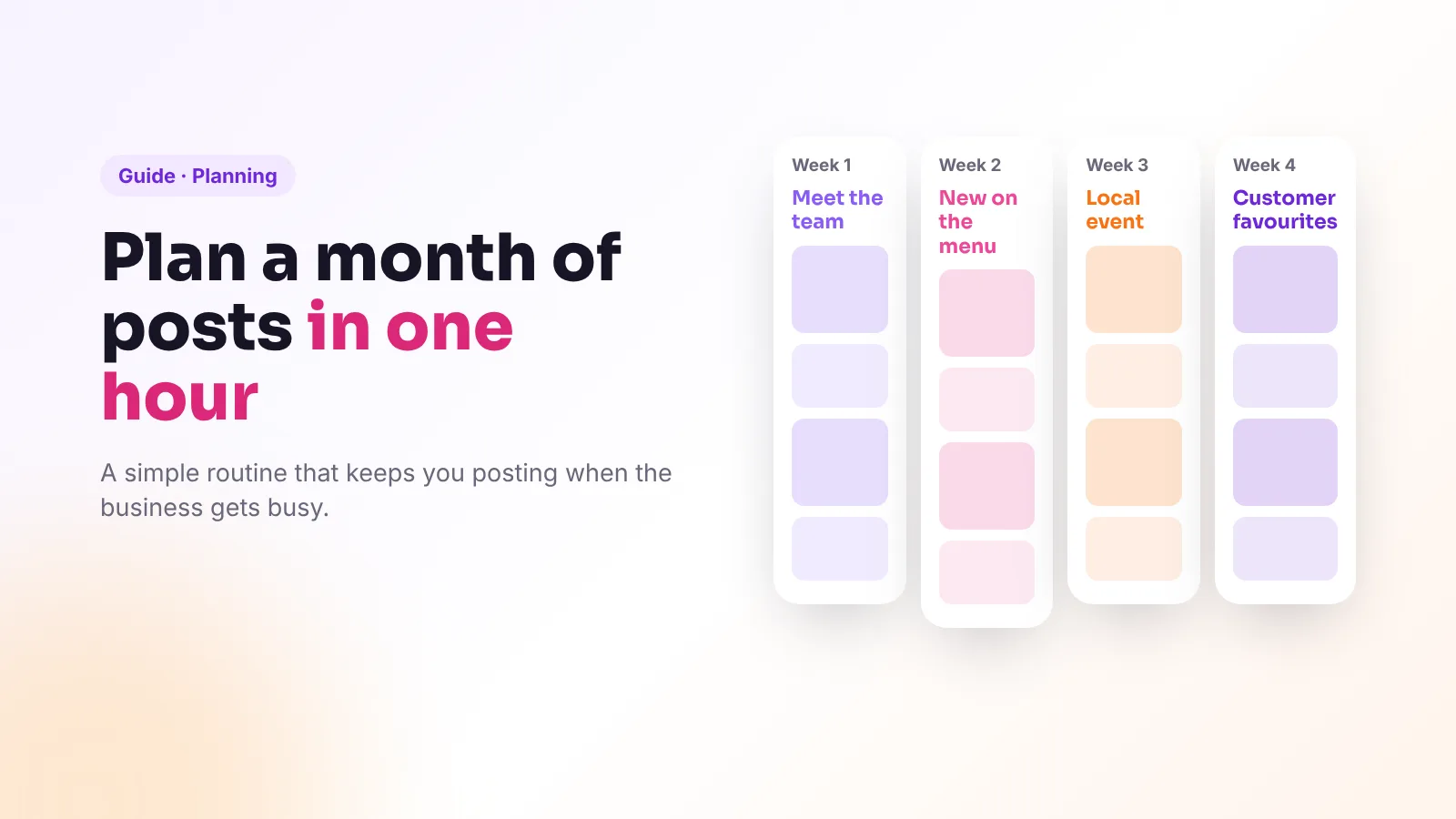
- Week 1 — Meet the team: who makes the coffee, who bakes the cakes
- Week 2 — New on the menu: the autumn specials
- Week 3 — Local event: the town market or a festival you’re part of
- Week 4 — Customer favourites: best-sellers and genuine reviews
Themes also keep your feed varied, so it never becomes a wall of adverts.
Step 3: Fill the slots (15 minutes)
Now give each of the sixteen slots one clear idea and one clear message. A good mix across the month includes:
- Behind the scenes — preparation, deliveries, the team at work
- Products and services — best-sellers, new arrivals, before-and-afters
- Offers and events — always with a date and a clear next step
- Customers and reviews — with permission
- Useful tips — your expertise, or what’s on locally
Write one line per post, for example: *“Thu 12th — Reel: Marta plating the new pumpkin soup. Message: new autumn menu starts today.”* That’s all you need for now.
Step 4: Gather the photos and videos (15 minutes)
Go through your recent photos and assign the best ones to your slots. For anything missing, make a shot list and take the photos in one go — ideally in good daylight on a quieter morning. Our phone photography guide has simple tips for better results.
Gathering content in advance is the single biggest time-saver in this routine. It means you’re never hunting for a photo at 9pm.
Step 5: Write and schedule (10 minutes)
Captions don’t need to be long. A simple structure works for almost every post:
- A first line that grabs attention — it’s the only part many people read
- One or two lines of detail — what, when, why it’s worth it
- A clear call to action — book, visit, order, or “save this for later”
- A few relevant hashtags — your town, your type of business, your speciality
Then schedule the posts, so they go out automatically at the right time. Meta Business Suite lets you schedule Facebook and Instagram posts for free, and many other tools can do the same.
Ten minutes won’t cover polishing every caption, so start with the first week and finish the rest in short sessions — or batch them all in one go if you can.
Leave room for the moment
A plan isn’t a cage. Keep one or two slots a week flexible for things you can’t predict: a beautiful delivery, a happy customer, a sold-out special, the first sunny day on the terrace. Stories are perfect for these in-the-moment updates.
Review once a month
At the start of your next planning hour, spend a few minutes looking back:
- Which posts were saved, shared or commented on the most?
- Which ones led to messages, bookings or visits?
- What did customers mention in person?
Do more of what worked, drop what didn’t, and keep the themes that people responded to.
Frequently asked questions
How far in advance should I plan social media posts?
A month ahead works well for most local businesses: far enough to prepare photos and offers, close enough to stay flexible. Keep one or two slots a week free for spontaneous posts.
What is a social media content calendar?
A simple plan showing what you’ll post, when and on which platform. A spreadsheet or notebook is enough; the point is deciding in advance.
Can I schedule Instagram posts for free?
Yes. Meta Business Suite lets you schedule Instagram and Facebook posts for free, and many other tools offer scheduling too.
How many posts should I plan per month?
For most local businesses, 12 to 20 feed posts a month (three to five a week) is a realistic target, plus Stories.
The bottom line
One hour a month — look ahead, pick themes, fill the slots, gather photos, write and schedule — is enough to keep a local business posting consistently all year. The secret isn’t creativity on demand; it’s deciding in advance.
Or skip the planning hour altogether: at Viraluna, we plan, create and schedule your posts every month, and you simply approve them from your phone. See our plans.